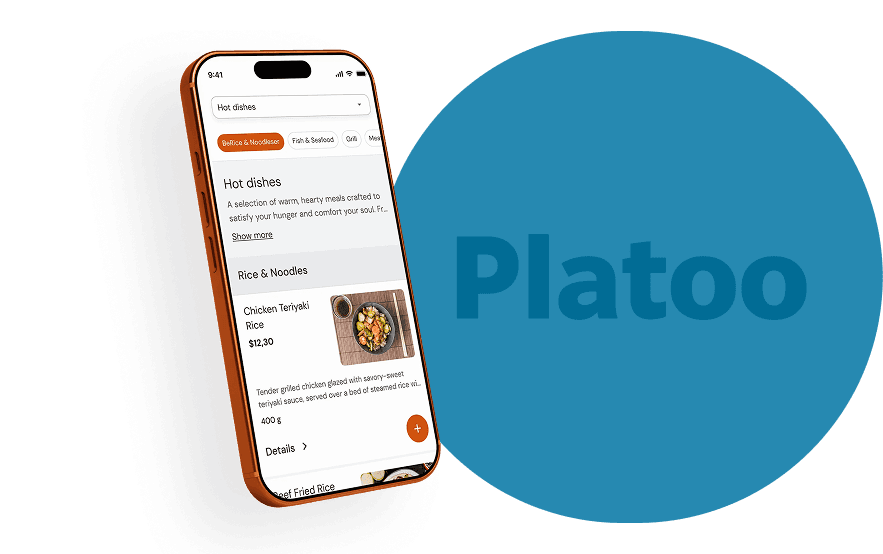
What is a QR menu and how does it work?
Everything a taverna, café or beach bar owner in Greece should know before putting a QR code on the table: how guests scan it, what happens without Wi-Fi, how prices change without reprinting and when you still need a paper menu.
A QR menu is your venue's menu on a web page. Guests scan the QR code on the table with their phone camera and the menu opens in the browser — no app needed. The QR code only holds the page address, so you can change dishes and prices whenever you like without printing a new code.
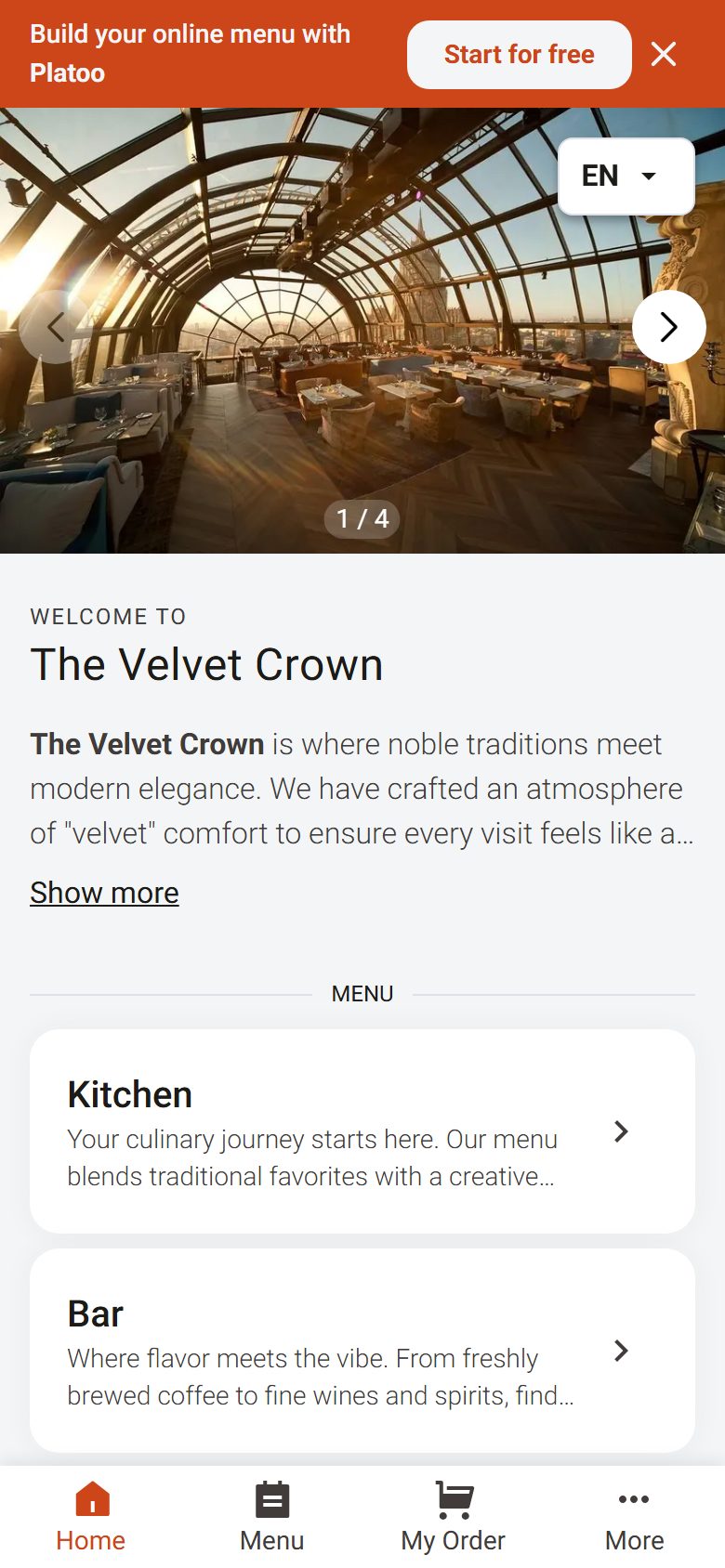
The live menu loads once you allow statistics.
Open the demo menuWhat a QR menu is made of
The QR code was invented in 1994 by Japan's DENSO WAVE to track car parts. Today every phone camera reads it. A QR menu has three parts, each doing a different job:
- 1
The QR code
The square on the table. It doesn't contain the menu — just an address, like a link printed as an image.
- 2
The address (link)
The page where the menu "lives". As long as it stays the same, the code on the table works forever.
- 3
The menu page
Dishes, prices, photos, allergens, languages. This is what you change — and guests see it straight away.
Behind a QR code there can be just a PDF of the paper menu, or a menu page built for phones. Guests scan the same way but see something very different:
On a phone
- QR with a PDF
- Zoom and scroll an A4 page
- QR with a menu page
- Fits the screen
Languages
- QR with a PDF
- One file per language
- QR with a menu page
- Switch language with one tap
Changing a price
- QR with a PDF
- New PDF, upload again
- QR with a menu page
- Change the price, done
Photos, allergens
- QR with a PDF
- Whatever fits on paper
- QR with a menu page
- On every dish
Size
- QR with a PDF
- A file of several MB on mobile data
- QR with a menu page
- A light page
| QR with a PDF | QR with a menu page | |
|---|---|---|
| On a phone | Zoom and scroll an A4 page | Fits the screen |
| Languages | One file per language | Switch language with one tap |
| Changing a price | New PDF, upload again | Change the price, done |
| Photos, allergens | Whatever fits on paper | On every dish |
| Size | A file of several MB on mobile data | A light page |
How guests scan a QR menu
Today's iPhones and Android phones read QR codes straight from the camera. Guests don't take a photo or download anything.
- 01
Open the camera
The phone's normal camera, not an app.
- 02
Point at the code
The whole square in frame, from 15–30 cm away.
- 03
Tap the link
It pops up above the code. One tap opens it.
- 04
Read the menu
In the browser, in the phone's language.
iPhone
Camera or Code Scanner from Control Center. The link appears as soon as the code is in frame.
Android
Camera, Google Lens or the QR button in Quick Settings. On some phones "scan suggestions" must be switched on in the camera settings.
Does a QR menu need an app or Wi-Fi?
App: no
The menu opens in the browser like any web page. Guests install nothing and sign up for nothing.
Wi-Fi: not necessarily
Mobile data is enough. A light menu page opens in a few seconds even on a weak signal.
EU tourists
Under the EU's "Roam like at home" rules they use their mobile data in Greece just as they do at home.
Visitors from outside the EU (e.g. the UK or US) may pay for roaming. Put a Wi-Fi QR code next to the menu QR — they connect without typing a password.
How to change the menu without printing a new QR code
Because the QR code only holds the address, whatever you change on the menu page shows on every table at once. This is where most people get confused about "static" and "dynamic" QR codes.
Static QR code
The address is written into the code itself. It never expires and depends on no service. It's all a QR menu needs, as long as the menu page changes at the same address.
"Dynamic" QR code
The code points to a short link run by a service, which forwards guests to the menu. Handy if you want to change the destination — but if the service or subscription stops, so do the codes on your tables.
Watch out for "free" dynamic QR generators: some deactivate the code when the trial ends. Before printing 40 table cards, check which address the code leads to.
- Prices, dishes, "sold out" → change on the page, the QR stays the same.
- New season, new menu → still the same QR, if the menu stays at the same address.
- Switching menu platform → this is when you need a new QR (or a redirect from the old address).
Several menus with one QR code
One QR code doesn't mean one menu. Behind the same code there can be as many menus as the venue needs, and guests choose.
Beach bar
Coffee and snacks in the morning, cocktails in the afternoon. The same QR on the sunbed all day.
QR menu for beach bars →Hotel
Breakfast, pool bar, restaurant, room service. One QR in the room opens every menu.
QR menu for hotels →Taverna
Food, wine and dishes of the day kept separate — the wine list doesn't swamp the main menu.
QR menu for tavernas →
QR menu or paper menu?
A QR menu doesn't abolish paper. But it solves the problems paper can't solve during the season.
Where a QR menu wins
- Prices that change during the season
- Tourists from many countries — 11 languages instead of 1–2
- Photos for the dishes they don't know
- Allergens on every dish, in every language
- No reprinting costs
Where you still need paper
- Guests without a phone or with a flat battery
- Older guests who prefer holding a menu
- If the mobile network goes down
- The waiter simply offers: "Would you like a printed menu?"
The most common set-up: a QR code on every table and a few printed menus at the counter. For menu structure and a free template, see the restaurant menu guide.
How to set up a QR menu in 5 steps
- 01
Upload the menu
Dishes, prices, categories. Or send a photo of the paper menu and let someone else enter it.
- 02
Check it on a phone
Not on a computer: open it on a phone and read it like a guest would.
- 03
Check the translation
Automatic translation is the starting point. Check the dish names — kleftiko stays kleftiko.
- 04
Print the code properly
Black on white, with a clear margin around it, at least 2.5 cm. Print the menu address underneath too.
- 05
Test it at the table
Scan the printed code where guests sit, by day and by night, with an iPhone and an Android.
QR menu not opening? What to check
- Problem
- The camera doesn't "see" the code
- What to check
- Light, glare, a logo over the code, too small
- Fix
- Matte print, black on white, clear margin
- Problem
- A link appears but the menu won't load
- What to check
- Mobile signal, correct address, QR service still active
- Fix
- Open the address on another phone; Wi-Fi QR for guests
- Problem
- An old menu opens
- What to check
- Whether the change was published, whether the code points to an old PDF
- Fix
- Refresh; update the menu at the same address
| Problem | What to check | Fix |
|---|---|---|
| The camera doesn't "see" the code | Light, glare, a logo over the code, too small | Matte print, black on white, clear margin |
| A link appears but the menu won't load | Mobile signal, correct address, QR service still active | Open the address on another phone; Wi-Fi QR for guests |
| An old menu opens | Whether the change was published, whether the code points to an old PDF | Refresh; update the menu at the same address |
One QR code for the whole season
With Platoo your menu stays at the same address: you change prices and dishes from your phone and the code on the table never changes. It's translated into 11 languages and guests automatically see their own.
- Free forever on the Free plan
- Several menus behind one QR
- Allergens and photos on every dish
Frequently asked questions
What is a QR menu?
It's a venue's menu on a web page that opens when a guest scans a QR code with their phone camera. No app is needed — the menu opens in the browser.
Does a QR menu code expire?
A static QR code never expires: it only holds the menu address. A "dynamic" code goes through a third-party service and stops working if the service or subscription ends.
Do I need a different QR code for every table?
No. For guests to read the menu, the same code on every table is enough.
Does a QR menu need Wi-Fi?
Not necessarily — mobile data is enough. For non-EU visitors who pay for roaming, a Wi-Fi QR code next to the menu code helps.
Can guests order from the QR menu?
It depends on the system and the plan. On Platoo Free and Business the menu is for reading: guests see dishes, photos and allergens in their language and order from the waiter as usual. Ordering from the table is part of the Professional plan, set up for each venue.
Can I share the menu as a link?
Yes. A QR menu's address is a normal link: add it to Instagram, Google, Viber, WhatsApp or your website.
How much does a QR menu cost?
With Platoo the Free plan costs €0 forever. Business costs €4.99 a month, or €4.24 a month billed yearly.
Put your menu on a QR code today
Upload your menu to Platoo or send us a photo of it on Viber or WhatsApp. Your QR menu is ready in 24 hours.